Apple devices can be useful travel companions for navigation, photography, communication, entertainment, productivity, payments, and health tracking. The experience is much better when the devices are prepared before departure rather than configured after you arrive.
The following tips cover iPhone, iPad, MacBook, Apple Watch, and common accessories.
Prepare Before You Travel
Update and Back Up
Install important software updates before the trip, not at the airport. Back up critical photos, documents, contacts, and device data to iCloud or another secure location. Verify that you know your account credentials and can access recovery methods.
Download Important Apps
Install airline, hotel, transport, translation, banking, map, messaging, and authentication apps you expect to need. Sign in before leaving and confirm that two-factor authentication will work when your normal mobile number is unavailable.
Prepare Charging Gear and Accessories
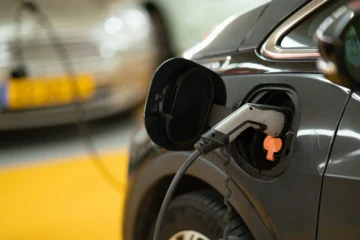
Bring the right chargers, cables, travel adapters, and a suitable power bank. A compact multi-port charger can reduce the number of adapters you need to carry. Label or organize small accessories so they are easy to find.
Optimize iPhone Use While Traveling
Navigation and Maps
Save important destinations and, where supported, download maps for offline use. Keep hotel addresses and emergency contacts available even when mobile data is unavailable.
Photography and Video
Clean the camera lenses, check available storage, and choose photo and video settings that match your needs. High-resolution video can consume storage quickly, so back up or transfer files during longer trips.
Security and Health
Use a device passcode and biometric authentication, enable device-finding features, and avoid exposing sensitive information on public networks. Store useful emergency and medical information only if you are comfortable doing so and understand how it may be accessed.
Use iPad for Productivity and Entertainment
Bring a Portable Office
An iPad with a keyboard can handle email, documents, presentations, drawing, note taking, and video meetings for many travelers. Download files locally if you expect unreliable internet.
Entertainment on the Road
Download films, music, books, games, or podcasts before flights and long journeys. Use headphones and confirm that downloaded content remains available offline.
Use a MacBook for Work and Data Management
Storage and Backup
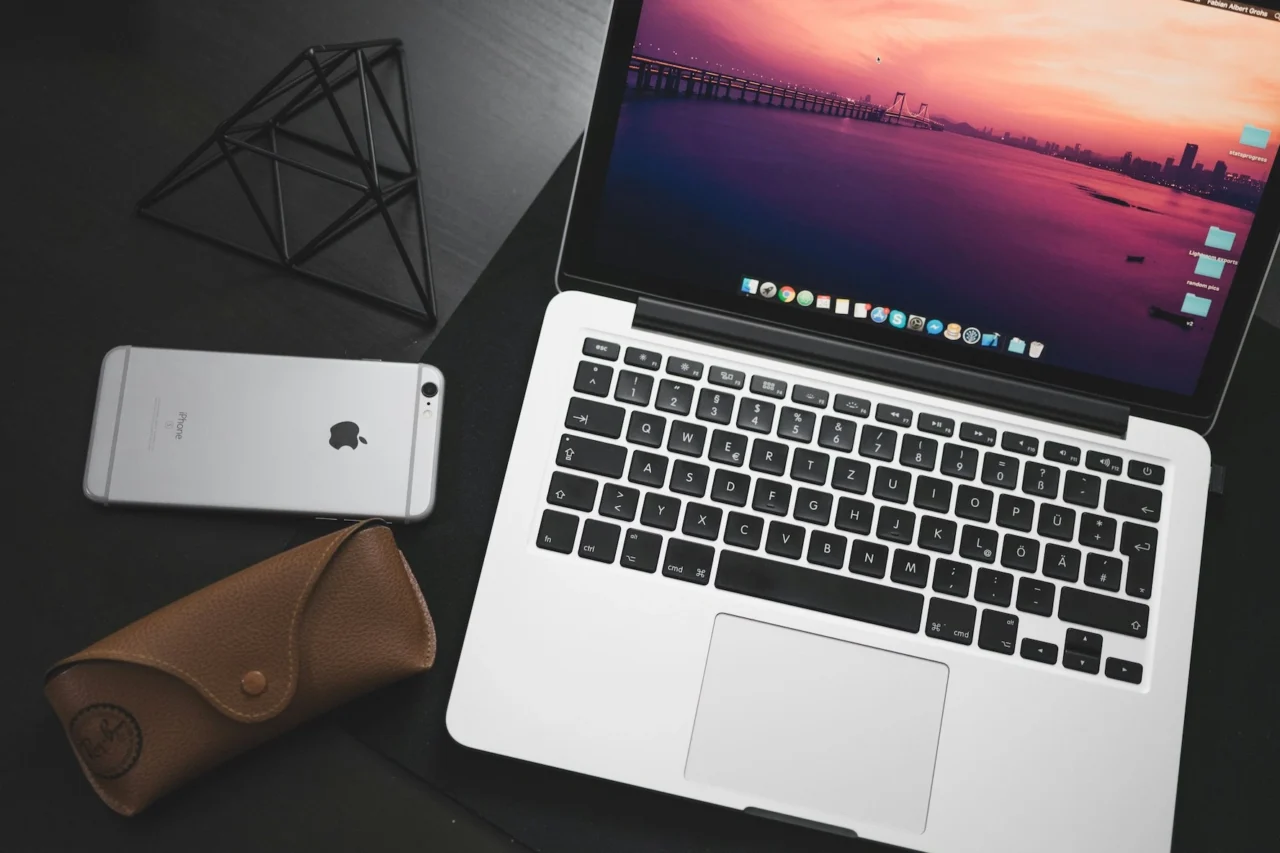
A MacBook can be useful for organizing large photo or video libraries and making an additional backup to an external drive. Keep critical files in more than one location when possible.
Productivity Anywhere
Prepare offline copies of documents, project files, passwords, and reference material before traveling. If you work with sensitive data, use full-disk encryption and avoid leaving the computer unattended.
Make the Most of Apple Watch
Activity and Health Tracking
Apple Watch can track walks, workouts, and daily activity. Long travel days may affect normal routines, so reminders to stand, move, or rest can be useful.
Navigation and Notifications
Wrist-based directions and selected notifications can reduce how often you need to take out your phone. Limit unnecessary alerts to save attention and battery.
Additional Travel Tips
Airplane Mode and Wi-Fi
Use airplane mode when required and manually enable Wi-Fi or Bluetooth when allowed. Review roaming settings before crossing borders to avoid unexpected data charges.
Save Battery
Lower screen brightness, use low-power settings when appropriate, disable unnecessary background activity, and keep a power bank available during long days away from an outlet.
Protect Your Data
Use strong passcodes, current software, secure account recovery, and device-finding features. Be cautious with unknown charging stations, public computers, and Wi-Fi networks that request unusual credentials.
Conclusion
Apple devices can simplify many parts of travel when they are prepared in advance. Update and back up your devices, download essential information for offline use, organize charging equipment, and secure your accounts before departure.
During the trip, the goal is to let technology reduce friction rather than create it. Keep the setup simple, protect your battery and data, and use only the features that genuinely make the journey easier.