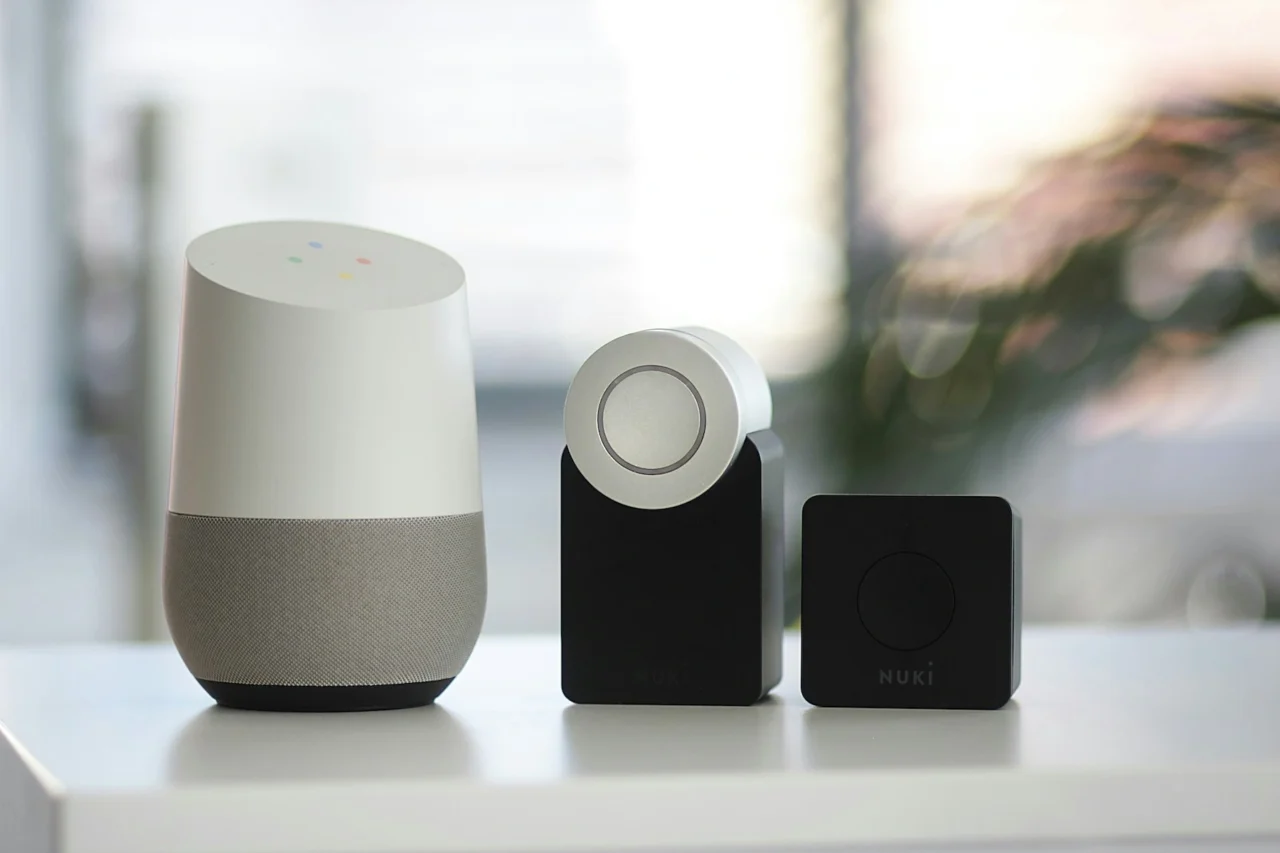
A smart home does not need to begin with dozens of devices. The most useful systems start with a clear problem: improving security, reducing energy use, making lighting easier to control, automating routines, or connecting entertainment. From there, you can add devices gradually while keeping compatibility, privacy, and reliability in mind.
Define Your Smart-Home Needs
Identify Your Priorities
List the outcomes you want before shopping. For example, you may want lights that switch off automatically, a camera at the entrance, remote control of air conditioning, or a simple voice-controlled routine. Priorities help prevent spending money on gadgets that do not solve a real need.
Evaluate Existing Infrastructure
Check Wi-Fi coverage, router capacity, electrical outlets, switch wiring, door hardware, heating or cooling systems, and any existing smart devices. Some products require a hub, neutral wire, specific voltage, or permanent internet connection.
Core Devices for a Smart Home
Voice Assistants
Voice assistants can provide a convenient interface for controlling compatible devices and routines. Choose an ecosystem that supports the products you already use and consider how much cloud processing or account integration you are comfortable with.
Smart Lighting
Smart bulbs, switches, and dimmers can add schedules, scenes, remote control, and automation. Smart switches are often more intuitive for households because wall controls continue to work normally.
Smart Thermostats and Climate Control
Compatible thermostats or controllers can create schedules and adjust climate settings based on occupancy or routines. Compatibility with the existing HVAC system should be confirmed before purchase.
Smart Security
Doorbells, cameras, sensors, smart locks, alarms, and leak detectors can improve awareness and automation. Security devices should receive regular firmware updates and use strong authentication.
Integrate Your Smart Devices
Choose a Suitable Platform
Major smart-home platforms differ in device support and automation features. Favor devices that use widely supported standards and confirm that your preferred platform can control them without unnecessary extra apps.
Create Automations and Routines
Automation is where a smart home becomes genuinely useful. Examples include turning lights off when everyone leaves, reducing cooling at night, switching on pathway lighting after sunset, or receiving an alert when a door opens unexpectedly.
Benefits of a Smart Home
Convenience
Routine actions can happen automatically or be controlled from one interface, reducing repetitive tasks.
Energy Efficiency
Schedules, occupancy rules, and energy monitoring can reduce unnecessary lighting or climate use. Actual savings depend on the devices, household behavior, and local energy costs.
Security
Remote alerts and sensors can provide faster awareness of doors, motion, leaks, smoke, or other events. Smart devices should complement, not replace, good physical security practices.
Integrated Entertainment
Speakers, televisions, lighting, and streaming devices can work together in scenes for movies, music, or gatherings.
Challenges When Building a Smart Home
Compatibility
A device that works well alone may not integrate with the rest of your system. Check ecosystem support, communication standards, hub requirements, and automation compatibility before buying.
Data Security
Change default passwords, enable multi-factor authentication where available, update firmware, secure the home network, and review permissions. Avoid keeping unsupported devices connected indefinitely.
Upfront Cost
Buying everything at once can be expensive and makes troubleshooting harder. Start with one or two high-value areas, learn what works, and expand gradually.
Conclusion
A successful smart home is built around useful routines, not the number of connected gadgets. Define your priorities, verify infrastructure and compatibility, choose a manageable platform, and add automation step by step.
Reliability and security matter as much as convenience. A smaller system that works consistently is usually better than a complicated collection of devices that depends on too many apps and fragile integrations.