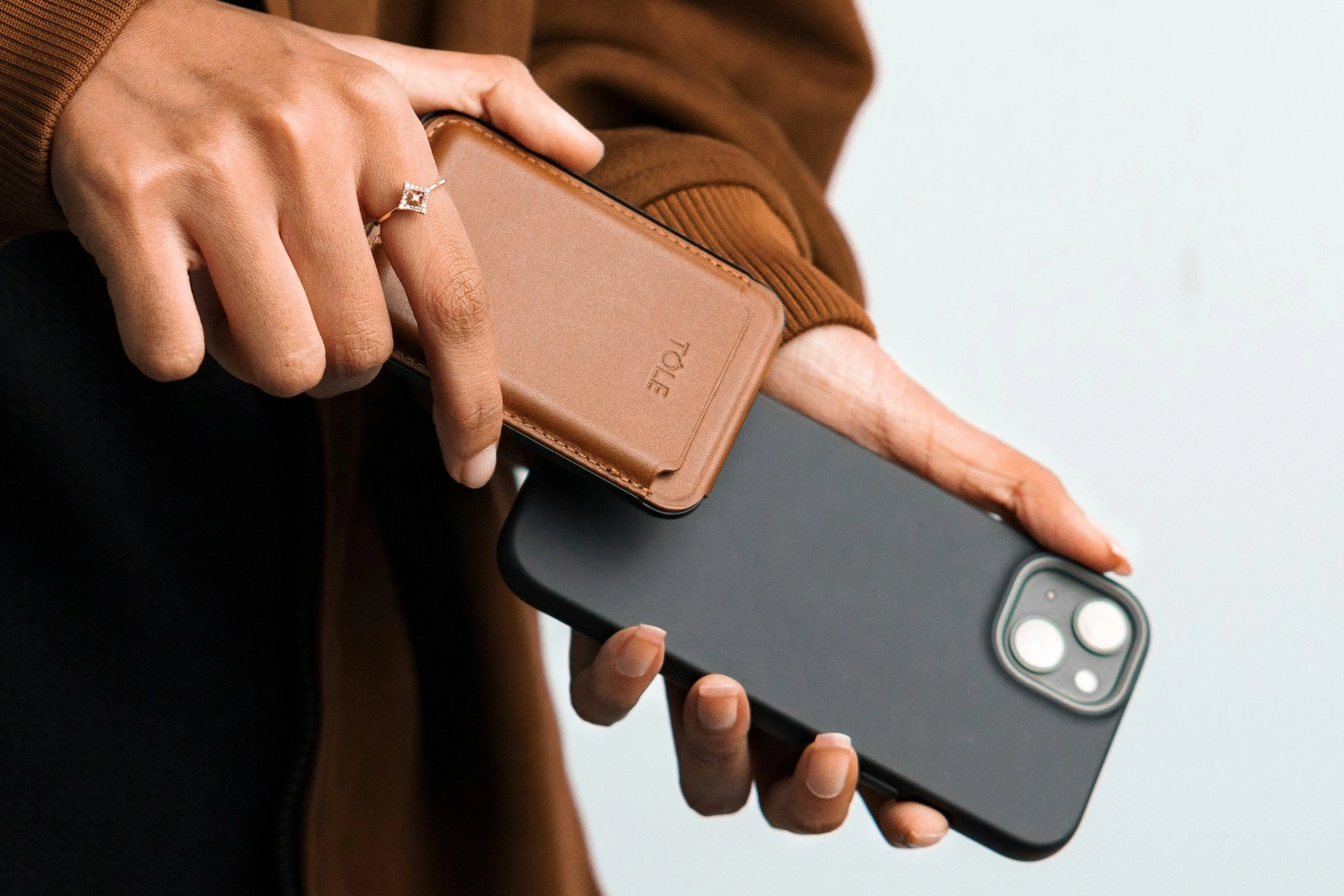
NFC on iPhone: Convenient Technology in the Palm of Your Hand

Near Field Communication, better known as NFC, allows devices to exchange small amounts of data over a very short distance. On the iPhone, NFC supports familiar experiences such as contactless payments and can also interact with compatible tags, transport systems, access systems, and connected devices.
What Is NFC?
Definition and History
NFC is a short-range wireless technology related to radio-frequency identification. It is designed for interactions that happen at close proximity, often only a few centimeters apart. The short operating range makes it useful for deliberate “tap” interactions.
How NFC Works
Two compatible devices or an NFC device and a tag communicate through electromagnetic fields. Some tags are passive, meaning they do not need their own battery; the reader provides enough energy for the tag to respond with stored information.
NFC on iPhone
History of NFC Integration on iPhone
Apple introduced NFC to iPhone initially around contactless payments and expanded supported NFC capabilities over later generations and software releases. What a particular iPhone can do depends on its hardware and iOS version.
How NFC Works on iPhone
For supported tasks, the user holds the upper area of the iPhone close to a compatible terminal or tag. Some interactions happen automatically, while others are initiated from Wallet, an app, or an automation.
NFC Applications on iPhone
Mobile Payments With Apple Pay
Apple Pay uses NFC to communicate with compatible contactless payment terminals. The payment system is designed to use tokenized credentials rather than simply broadcasting the physical card number during a normal transaction.
Transit Cards and Access Control
In supported locations, compatible transit cards, tickets, hotel keys, campus credentials, or access passes may be stored digitally and used through Wallet or approved applications.
Home Automation and IoT
NFC tags can be used as convenient triggers for supported automations. A tag placed near a desk, door, or bedside table can launch a shortcut or start a routine after the iPhone recognizes it.
Product Information and Marketing
NFC tags can contain a URL or identifier that opens product information, instructions, event pages, digital menus, or promotional content. Because anyone can create a tag, users should still be cautious about unknown tags that open unfamiliar links.
Benefits of NFC on iPhone
Convenience and Speed
NFC interactions usually require only a tap or a very close approach, making them faster than manually typing information.
Security
Payment and credential implementations can use hardware security, authentication, and tokenization. Security depends on the specific application, so NFC itself should not be treated as a guarantee that every tag or service is trustworthy.
Flexibility
The same NFC hardware can support payments, identity credentials, transport, tag reading, automation, and other applications as software support grows.
Challenges and Limitations
Uneven Adoption
Not every store, city, building, or service supports NFC in the same way. Availability can vary considerably by country and organization.
Battery and Device Availability
Some supported wallet functions may have special low-power behavior on certain devices, but users should generally keep enough battery available when relying on a phone for payments, tickets, or access.
Conclusion
NFC turns the iPhone into a practical tool for close-range digital interactions. Its most visible use is contactless payment, but the technology can also support transport, access, automation, and information sharing.
As adoption expands, NFC can remove more small steps from everyday activities, provided users continue to verify unfamiliar tags and protect their device and account credentials.

Artikel Terkait